FS19 – Halloween 2020 Menu Background (1.6)
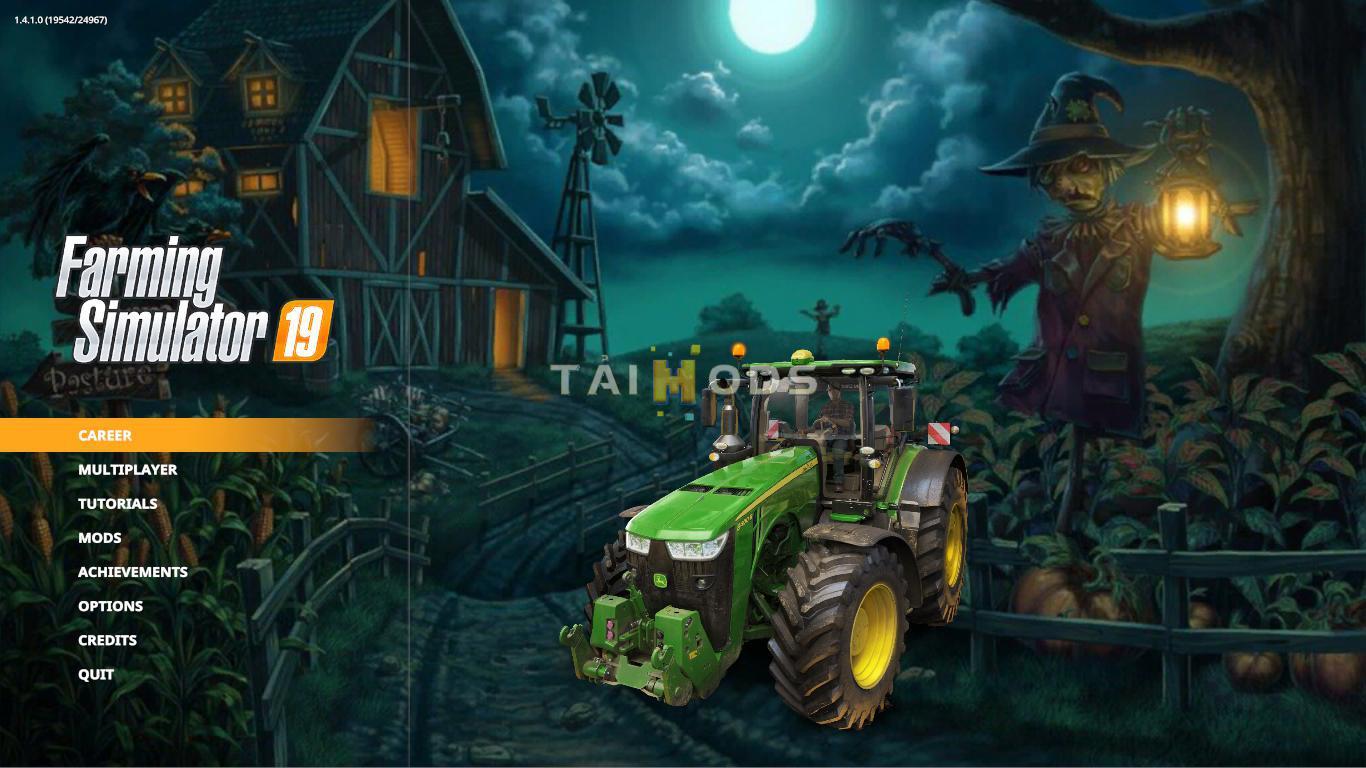
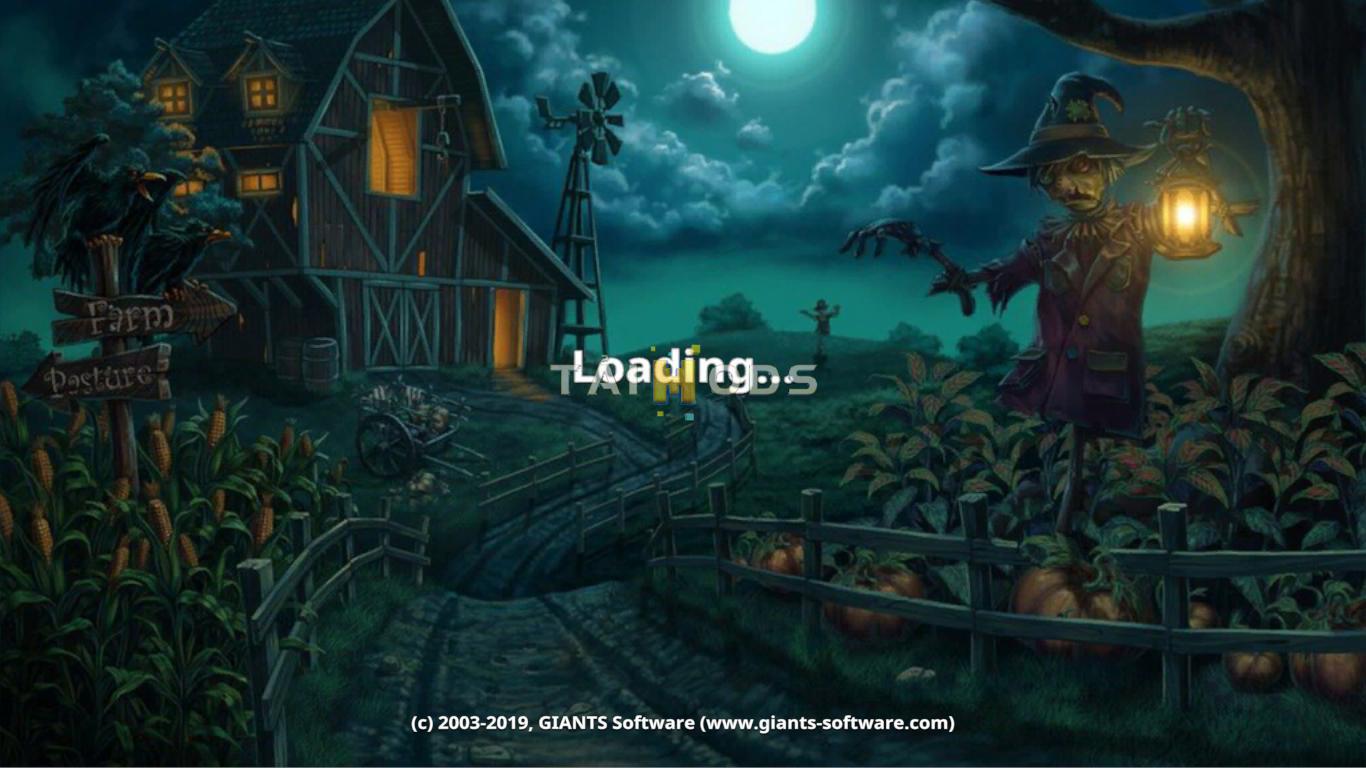
How insert the background?
* C: Program Files (x86) Steam steamapps common Farming Simulator 19 shared <- just copy the included "splash.dds" and "splashBlur.dds" files, done.
Steam Version:
C:\Program Files (x86)\ Steam \ steamapps \ common \ Farming Simulator 19 \ shared
CD Version:
C:\ Games \ Farming Simulator 19 \ shared
!!!!Before copying, back up the existing "splash.dds" and "splashBlur.dds" files!
Authors: CrowerCZ