MOD GTA5 – Adaptive Brake Lights 1.1
Adaptive Brake Lights 1.1
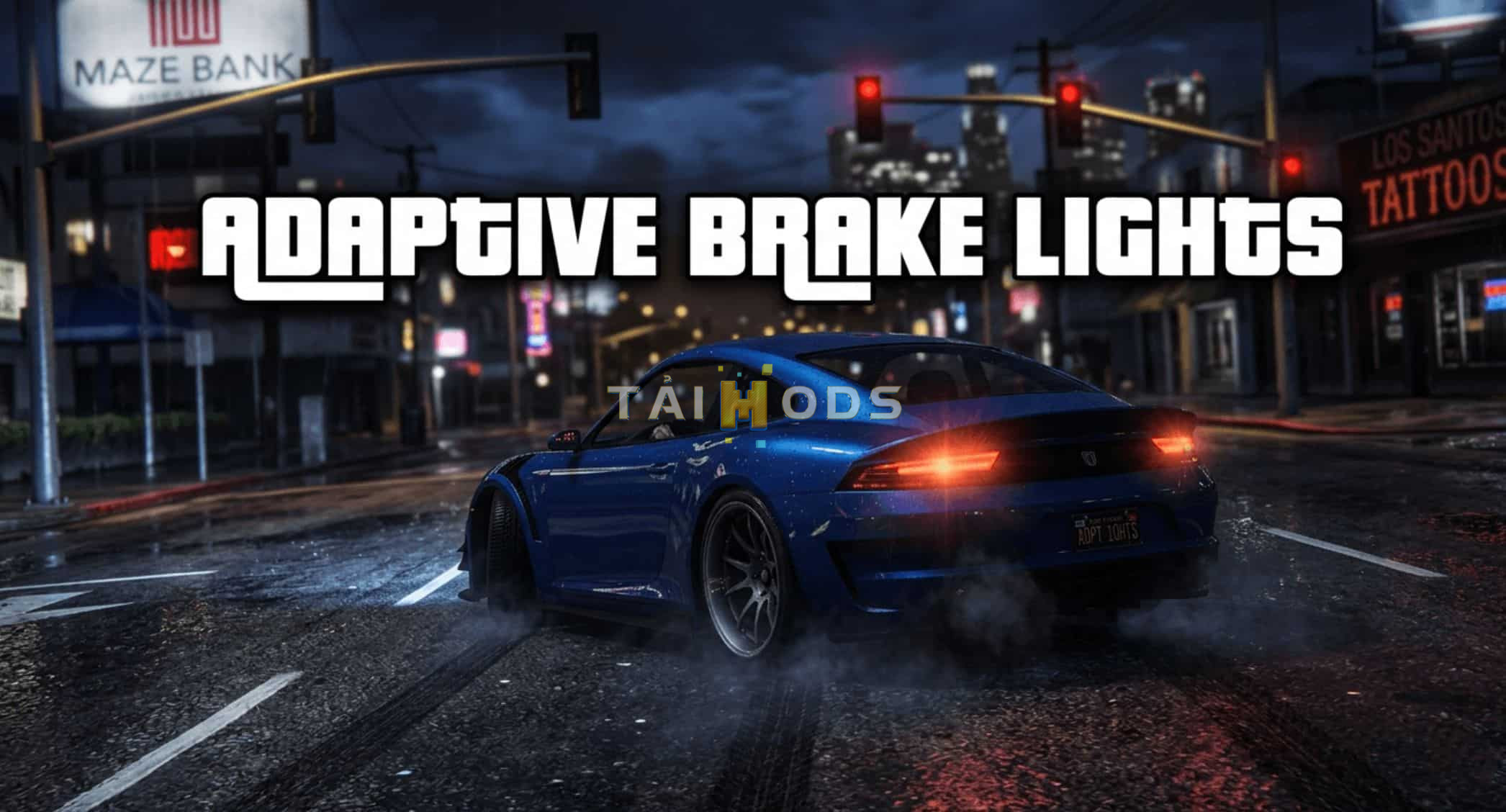
This small script adds adaptive brake lights to your game world.
What are adaptive brake lights?:
Adaptive brake lights are designed to make it clear when a vehicle is slamming on the brakes or braking hard. A G-sensor detects the braking force, causing the brake lights to flash about 5 times per second.
In-Game Functionality:
As soon as you’re driving your car on the beautiful streets of Los Santos and press the “S+Space” key combination to brake, this feature is triggered. The script is compatible with all ground vehicles.
Installation:
Place the “AdaptiveBraking.dll” file in your Scripts folder within your GTA main directory.
IMPORTANT!!!
For this script to work at all, you need ScripthookV by Alexander Blade.
You also need “ScriptHookVDotNet”—the script runs on the basis of “ScriptHookVDotNet3.dll”—so add all the .dll files to your GTA main directory.
Done!
New in Version 1.1:
In the first version, the speed at which the brake lights flashed depended on the FPS.
In other words: low FPS = brake lights flash more slowly.
High FPS: flashing frequency as programmed.
I’ve now improved this system. It no longer runs on ticks, but on milliseconds. This way, the flashing frequency is the same everywhere—whether you have lower FPS because you’re in the middle of Los Santos or Vinewood Hills, or high FPS because you’re currently driving outside the city.
Đèn Phanh Thích Ứng 1.1
Đoạn mã nhỏ này thêm đèn phanh thích ứng vào thế giới game của bạn.
Đèn phanh thích ứng là gì?:
Đèn phanh thích ứng được thiết kế để làm rõ khi xe đang phanh gấp hoặc phanh mạnh. Cảm biến G phát hiện lực phanh, khiến đèn phanh nhấp nháy khoảng 5 lần mỗi giây.
Chức năng trong game:
Ngay khi bạn lái xe trên những con phố tuyệt đẹp của Los Santos và nhấn tổ hợp phím “S+Space” để phanh, tính năng này sẽ được kích hoạt. Đoạn mã tương thích với tất cả các loại xe mặt đất.
Cài đặt:
Đặt tệp “AdaptiveBraking.dll” vào thư mục Scripts trong thư mục chính GTA của bạn.
QUAN TRỌNG!!!
Để đoạn mã này hoạt động, bạn cần ScripthookV của Alexander Blade.
Bạn cũng cần “ScriptHookVDotNet”—đoạn mã chạy dựa trên “ScriptHookVDotNet3.dll”—vì vậy hãy thêm tất cả các tệp .dll vào thư mục chính GTA của bạn.
Xong rồi!
Mới trong phiên bản 1.1:
Trong phiên bản đầu tiên, tốc độ nháy đèn phanh phụ thuộc vào FPS.
Nói cách khác: FPS thấp = đèn phanh nháy chậm hơn.
FPS cao: tần số nháy theo chương trình.
Tôi đã cải thiện hệ thống này. Nó không còn hoạt động theo tick nữa, mà theo mili giây. Bằng cách này, tần số nháy sẽ giống nhau ở mọi nơi — cho dù bạn có FPS thấp hơn vì đang ở giữa Los Santos hoặc Vinewood Hills, hay FPS cao vì đang lái xe bên ngoài thành phố.
Authors/Tác giả: Hessen-Community